
The remote work revolution has fundamentally altered the IT landscape. Businesses, once centralized in physical offices, are now sprawling networks of distributed endpoints, making IT management more complex and challenging than ever before. In this new reality, efficiency, security, and seamless customer experiences are paramount. While many organizations have adopted individual tools to address specific needs, a truly effective strategy requires integrated solutions that break down data silos and streamline workflows. Enter the CRM–RMM integration – a powerful combination that’s becoming increasingly essential for success in the remote work era.
CRM (Customer Relationship Management) systems are the backbone of customer interactions, housing vital information about clients, prospects, and their needs. RMM (Remote Monitoring and Management) tools, on the other hand, provide IT teams with the capabilities to proactively monitor, manage, and maintain remote devices and networks. Separately, these tools offer significant value. However, when integrated, they create a synergy that unlocks a wealth of benefits, enabling businesses to deliver exceptional service, improve efficiency, and strengthen security posture.
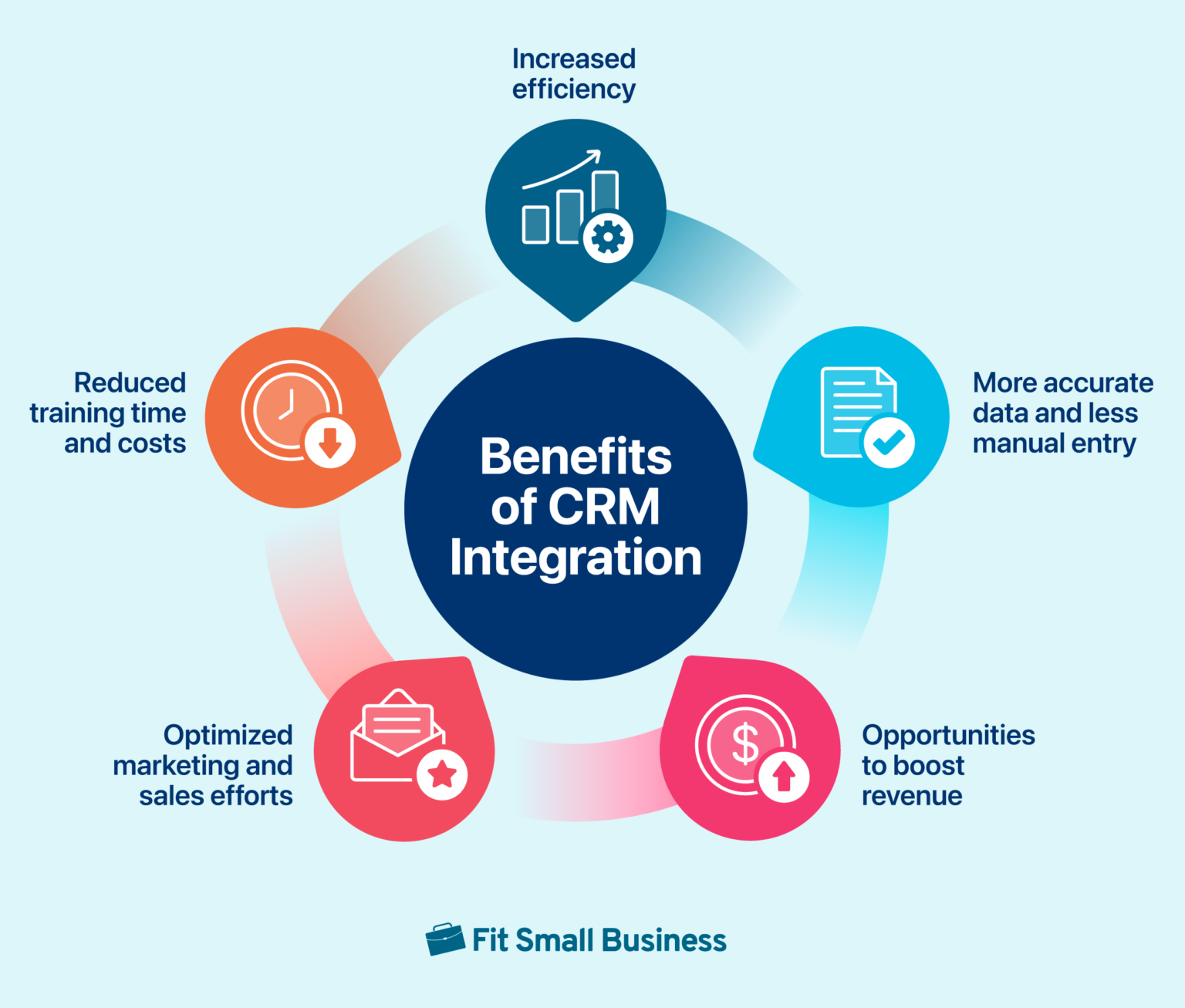
This article will delve into the critical reasons why CRM–RMM integration is no longer a “nice-to-have” but a “must-have” for organizations operating in the remote work era. We’ll explore the specific advantages of this integration, from enhanced visibility and streamlined workflows to improved customer satisfaction and increased profitability. We will also address the practical considerations involved in implementing and leveraging a successful CRM–RMM integration strategy, ensuring that your business is well-equipped to thrive in the evolving world of remote work.
Understanding CRM and RMM: A Quick Overview
Before diving into the benefits of integration, let’s briefly define CRM and RMM and understand their individual roles in a modern business.
What is CRM?
CRM software is designed to manage and analyze customer interactions and data throughout the customer lifecycle. Its primary goal is to improve business relationships with customers, assisting in customer retention and driving sales growth. A CRM system typically includes features for:
- Contact Management: Storing and organizing customer information.
- Sales Force Automation: Automating sales processes, such as lead tracking and opportunity management.
- Marketing Automation: Automating marketing campaigns and tracking their effectiveness.
- Customer Service: Managing customer support requests and tracking resolution times.
- Analytics and Reporting: Providing insights into customer behavior and sales performance.
What is RMM?
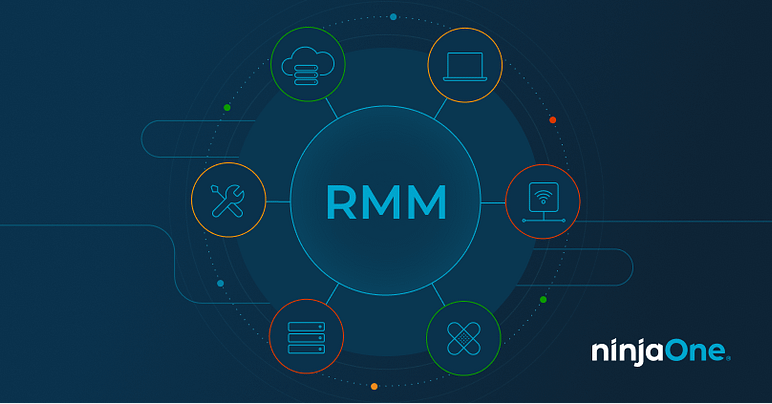
RMM software is a platform used by IT service providers (MSPs) and internal IT departments to remotely monitor and manage endpoints (desktops, laptops, servers, etc.) and networks. It provides IT professionals with the tools they need to proactively identify and resolve issues before they impact end-users. Key features of an RMM system include:
- Remote Monitoring: Continuously monitoring the health and performance of endpoints.
- Remote Access: Providing secure remote access to devices for troubleshooting and maintenance.
- Patch Management: Automating the deployment of software updates and security patches.
- Alerting and Reporting: Generating alerts when issues are detected and providing comprehensive reports on system performance.
- Automation: Automating routine IT tasks, such as software installation and configuration.
Why CRM–RMM Integration Matters in the Remote Work Era
The shift to remote work has blurred the lines between IT support and customer service. Employees working from home rely heavily on technology, and when they encounter issues, it directly impacts their productivity and, ultimately, the customer experience. This is where CRM–RMM integration becomes crucial.
Enhanced Visibility and Contextual Awareness
One of the most significant benefits of integrating CRM and RMM is the enhanced visibility it provides. By linking customer data from the CRM with technical data from the RMM, IT teams gain a more complete picture of each customer’s environment. This contextual awareness allows them to:
- Understand the impact of technical issues on specific customers: If a server outage affects a particular customer, the IT team can quickly identify that customer in the CRM and proactively communicate the issue and estimated resolution time.
- Prioritize support requests based on customer value: High-value customers experiencing critical issues can be prioritized to ensure they receive prompt attention.
- Identify potential upsell and cross-sell opportunities: By analyzing customer usage patterns and technical needs, IT teams can identify opportunities to recommend additional services or products that would benefit the customer.
Streamlined Workflows and Improved Efficiency
CRM–RMM integration automates many tasks that would otherwise require manual effort, significantly streamlining workflows and improving efficiency. For example:
- Automated Ticket Creation: When an RMM system detects an issue, it can automatically create a support ticket in the CRM, pre-populated with relevant information about the affected device and user.
- Automated Escalation: Tickets can be automatically escalated to the appropriate support team based on the severity of the issue and the customer’s service level agreement (SLA).
- Centralized Knowledge Base: Integrating the RMM with the CRM‘s knowledge base allows support agents to quickly access relevant documentation and troubleshooting guides, reducing resolution times.
- Automated Reporting: The system can automatically generate reports on key performance indicators (KPIs), such as ticket resolution times, customer satisfaction scores, and the number of proactive issues resolved.
Proactive Issue Resolution and Reduced Downtime
RMM systems excel at proactively monitoring endpoints and networks for potential issues. When integrated with a CRM, this proactive monitoring can be even more effective. For instance:. Understanding customer needs is crucial, and Next Gen Crm will be instrumental in achieving that deeper understanding
- Predictive Maintenance: By analyzing historical data from the RMM, IT teams can identify patterns that indicate a potential failure and take proactive steps to prevent it.
- Automated Remediation: Some RMM systems can automatically remediate common issues, such as restarting a service or clearing temporary files, without requiring manual intervention.
- Real-time Alerts: When an issue is detected, the RMM can send real-time alerts to the appropriate support team, allowing them to respond quickly and minimize downtime.
By proactively addressing issues, businesses can reduce downtime, improve employee productivity, and enhance the overall customer experience.
Enhanced Customer Satisfaction and Loyalty
In the remote work era, customer satisfaction is more critical than ever. Customers expect prompt, personalized support, and a seamless experience. CRM–RMM integration helps businesses deliver on these expectations by:. Effective business management requires a strategic approach, where Crm Rmm Driving business success
- Providing Faster Resolution Times: With access to comprehensive customer and technical data, support agents can diagnose and resolve issues more quickly.
- Offering Personalized Support: By understanding the customer’s specific needs and environment, support agents can provide more personalized and relevant support.
- Communicating Proactively: Keeping customers informed about the status of their support requests and any planned maintenance activities builds trust and strengthens relationships.
- Improving First Call Resolution (FCR): Having all the necessary information at their fingertips allows support agents to resolve more issues on the first call, reducing the need for follow-up and improving customer satisfaction.
Happy customers are loyal customers, and CRM–RMM integration helps businesses cultivate long-term relationships by providing exceptional support and service.
Improved Security Posture
Remote work has significantly increased the attack surface for cybercriminals. Employees working from home often use less secure networks and devices, making them more vulnerable to phishing attacks, malware, and other security threats. CRM–RMM integration can help businesses improve their security posture by:
- Automating Patch Management: RMM systems can automate the deployment of security patches to all endpoints, ensuring that they are protected against the latest vulnerabilities.
- Monitoring for Suspicious Activity: RMM systems can monitor endpoints for suspicious activity, such as unauthorized software installations or unusual network traffic, and alert the IT team to potential threats.
- Enforcing Security Policies: RMM systems can enforce security policies, such as password complexity requirements and screen lock timeouts, to ensure that all endpoints are compliant with company security standards.
- Integrating with Security Information and Event Management (SIEM) Systems: Integrating the RMM with a SIEM system provides a centralized view of security events across the entire IT environment, allowing IT teams to quickly identify and respond to security incidents.
A strong security posture is essential for protecting sensitive customer data and maintaining business continuity in the remote work era. Considering the rapid advancements in AI and automation, The best CRM software in 2025 will likely prioritize seamless integration and predictive analytics
.
Implementing a CRM–RMM Integration Strategy
Implementing a successful CRM–RMM integration strategy requires careful planning and execution. Here are some key considerations:
Choosing the Right Tools
Not all CRM and RMM systems are created equal. When selecting tools, consider the following:
- Integration Capabilities: Ensure that the CRM and RMM systems you choose offer native integration or have well-documented APIs that allow for seamless data exchange.
- Features and Functionality: Select tools that offer the features and functionality you need to address your specific business requirements.
- Scalability: Choose tools that can scale to meet your growing business needs.
- Security: Ensure that the tools you select meet your security requirements and comply with relevant regulations.
- User-Friendliness: Select tools that are easy to use and require minimal training.
Defining Clear Objectives and Goals
Before implementing a CRM–RMM integration, define clear objectives and goals. What do you hope to achieve with the integration? Examples include:
- Reducing ticket resolution times.
- Improving customer satisfaction scores.
- Increasing proactive issue resolution.
- Reducing downtime.
- Improving security posture.
Having clear objectives will help you measure the success of the integration and make adjustments as needed. Effective cybersecurity strategies are vital for businesses, and understanding how Crm Rmm Security impacts data protection is essential for long-term operational success
Developing a Detailed Implementation Plan
Create a detailed implementation plan that outlines the steps involved in integrating the CRM and RMM systems. This plan should include:

- Data Mapping: Defining how data will be mapped between the CRM and RMM systems.
- Workflow Configuration: Configuring automated workflows to streamline processes.
- Testing: Thoroughly testing the integration to ensure that it is working as expected.
- Training: Providing training to IT staff and other users on how to use the integrated system.
- Go-Live Plan: A detailed plan for migrating to the integrated system.
Monitoring and Optimization
Once the integration is live, it’s important to monitor its performance and make adjustments as needed. Track key performance indicators (KPIs) to measure the success of the integration and identify areas for improvement. Regularly review workflows and configurations to ensure that they are optimized for efficiency and effectiveness.
Conclusion
In the remote work era, CRM–RMM integration is no longer a luxury but a necessity. By providing enhanced visibility, streamlining workflows, improving customer satisfaction, and strengthening security posture, this integration empowers businesses to thrive in the evolving IT landscape. By carefully planning and executing a CRM–RMM integration strategy, organizations can unlock the full potential of their IT investments and deliver exceptional service to their remote workforce and their customers alike.
Frequently Asked Questions (FAQ) about Why CRM-RMM Integration Matters in Remote Work Era
How can integrating my CRM and RMM platforms improve efficiency for my remote IT support team?
Integrating your CRM (Customer Relationship Management) and RMM (Remote Monitoring and Management) platforms significantly boosts efficiency for remote IT support teams by centralizing crucial information. Instead of toggling between systems, technicians can access customer details (from the CRM) directly within the RMM platform, including service history, contracts, and support tickets. This allows for quicker diagnosis and resolution of issues. Furthermore, automated workflows can be triggered based on RMM alerts, automatically creating service tickets in the CRM. This streamlined process reduces manual data entry, minimizes response times, and improves overall productivity, leading to happier customers and a more efficient remote workforce. This is especially critical in the remote work era, where seamless communication and quick problem-solving are paramount.
What are the key benefits of CRM-RMM integration for managing and securing remote client endpoints?
CRM-RMM integration offers substantial advantages for managing and securing remote client endpoints, a critical concern in today’s distributed workforce. By linking these systems, IT professionals gain enhanced visibility into the security posture of each endpoint, directly accessible from the client’s profile in the CRM. This includes real-time monitoring of device health, software updates, and security alerts. Automated patching and software deployment, initiated through the RMM, can be tracked and confirmed within the CRM, ensuring compliance and minimizing vulnerabilities. Moreover, with integrated reporting, businesses can proactively identify and address potential security threats across their remote client base, enhancing overall security and mitigating risks associated with remote work. This proactive approach is essential for maintaining a secure and productive remote environment.
How does a CRM and RMM integration help improve customer satisfaction and retention in a remote-first business environment?
A CRM and RMM integration dramatically improves customer satisfaction and retention in a remote-first business environment by enabling faster, more personalized support. When a customer contacts support, technicians can instantly access a complete view of their account history, including past issues, device information, and service agreements, all within a single interface. This context-rich information allows for quicker diagnosis and resolution of problems. Furthermore, proactive monitoring and automated alerts through the RMM enable IT teams to identify and address potential issues before they impact the customer. This proactive approach, combined with personalized support based on integrated data, leads to increased customer satisfaction and loyalty, which is crucial for long-term success in a competitive remote-first market. By providing a seamless and efficient support experience, businesses can build stronger relationships with their customers and reduce churn.