
In today’s fast-paced business environment, data is king. However, data locked away in separate systems is like a kingdom divided, unable to reach its full potential. Two of the most crucial systems for any IT service provider (MSP) or technology-reliant business are the Sales CRM (Customer Relationship Management) and the IT RMM (Remote Monitoring and Management) platforms. These systems, while essential on their own, often operate in silos, hindering operational efficiency and limiting strategic decision-making. This article explores the importance of breaking down these silos and unifying CRM and RMM data.
Think of it this way: your sales team uses the CRM to track leads, manage opportunities, and close deals. Meanwhile, your IT team uses the RMM to monitor infrastructure, resolve issues, and ensure client systems are running smoothly. Without integration, sales might be unaware of critical technical issues affecting a potential client, leading to missed opportunities or inaccurate promises. Similarly, IT might not have the sales context needed to prioritize support requests or proactively address potential problems before they impact a crucial deal. This disconnect creates inefficiencies and can ultimately impact revenue and client satisfaction.

The good news is that integrating these two systems is not only possible but increasingly accessible thanks to advancements in API technology and pre-built integrations offered by many vendors. By unifying CRM and RMM data, businesses can gain a holistic view of their clients, streamline workflows, improve communication, and ultimately drive better business outcomes. This article will delve into the benefits of this integration, the challenges involved, and how to successfully implement a unified CRM and RMM strategy.
Understanding the Silos: CRM and RMM in Isolation
Before diving into the benefits of integration, it’s crucial to understand the specific functions and limitations of CRM and RMM systems when they operate independently. Each platform serves a distinct purpose, but their value significantly increases when combined.
CRM: The Sales and Relationship Hub
A CRM system is primarily focused on managing customer relationships and sales processes. Key functionalities include:
- Lead Management: Tracking and nurturing potential customers through the sales funnel.
- Contact Management: Storing and organizing customer contact information.
- Opportunity Management: Managing sales opportunities and tracking progress towards closing deals.
- Sales Forecasting: Predicting future sales based on current opportunities and historical data.
- Reporting and Analytics: Providing insights into sales performance and customer behavior.
Without RMM integration, the CRM lacks crucial technical context. Sales reps might not be aware of ongoing support issues, system outages, or other technical challenges that could impact a potential client’s decision or a current client’s satisfaction.
RMM: The IT Management Powerhouse
An RMM system is designed to remotely monitor and manage IT infrastructure. Key functionalities include:
- Remote Monitoring: Continuously monitoring servers, workstations, and network devices for performance issues, security threats, and other problems.
- Remote Access: Providing technicians with remote access to client systems for troubleshooting and maintenance.
- Patch Management: Automating the deployment of software updates and security patches.
- Alerting and Notifications: Generating alerts when issues are detected, allowing technicians to respond proactively.
- Automation: Automating routine IT tasks to improve efficiency and reduce manual effort.
In isolation, the RMM lacks the sales and relationship context provided by the CRM. IT technicians might not understand the business impact of a technical issue or the urgency of a support request, potentially leading to delays and dissatisfied clients.
The Power of Unity: Benefits of Integrating CRM and RMM
Integrating CRM and RMM systems unlocks a wealth of benefits that can significantly improve business performance and client satisfaction. Here are some key advantages:. Considering evolving client needs, Future Msp Services will focus on proactive solutions and strategic partnerships
Enhanced Visibility and Context
Integration provides a 360-degree view of the client, combining sales and technical information into a single, unified platform. This allows both sales and IT teams to make more informed decisions and provide better service. For example, a sales rep can see if a prospective client is experiencing frequent downtime, allowing them to tailor their sales pitch accordingly. Similarly, an IT technician can see if a client is nearing the end of their contract, allowing them to proactively address any concerns and prevent churn.
Improved Communication and Collaboration
By breaking down silos, integration fosters better communication and collaboration between sales and IT teams. Sales reps can easily access technical information to answer client questions, and IT technicians can understand the sales context behind support requests. This leads to more efficient workflows and faster resolution times. For instance, if a major sales deal is pending, the IT team can prioritize support requests from that prospect to ensure their systems are running smoothly and the deal closes successfully.
Streamlined Workflows and Automation
Integration allows for the automation of various tasks, reducing manual effort and improving efficiency. For example, when a new client is added to the CRM, their devices can be automatically added to the RMM system. Similarly, when a support ticket is created in the RMM, it can be automatically linked to the corresponding account in the CRM. These automations save time and reduce the risk of errors.
Proactive Problem Solving and Reduced Downtime
With access to both sales and technical data, businesses can proactively identify and address potential problems before they impact clients. For example, if the RMM detects a potential security vulnerability, the sales team can proactively reach out to the client to discuss remediation options. This proactive approach can prevent downtime, improve client satisfaction, and strengthen relationships.
Increased Sales Effectiveness
By providing sales reps with access to technical information, integration empowers them to be more effective in their roles. They can better understand client needs, tailor their sales pitches accordingly, and answer technical questions with confidence. For example, a sales rep can use RMM data to demonstrate the value of managed services by highlighting the security threats and performance issues that the RMM has detected and resolved.
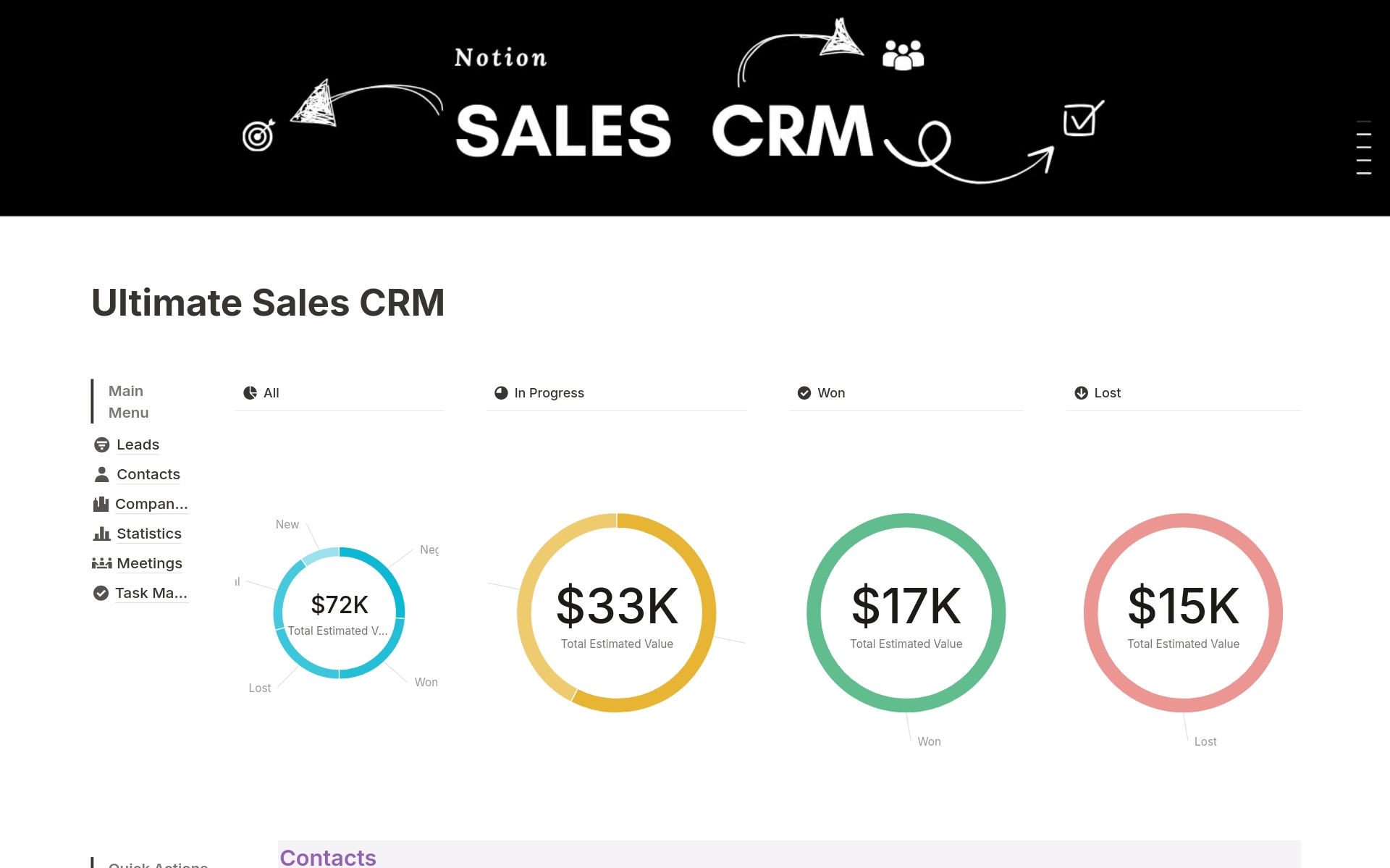
. Leveraging data effectively is key, and Crm Tools Improve customer relationship management strategies significantly
Improved Client Retention
Ultimately, integrating CRM and RMM systems leads to improved client satisfaction and retention. By providing better service, proactively addressing problems, and demonstrating the value of their services, businesses can build stronger relationships with their clients and reduce churn. Knowing a client’s infrastructure health and proactively addressing issues before they escalate demonstrates a commitment to their success, fostering loyalty.
Challenges of Integration and How to Overcome Them
While the benefits of integrating CRM and RMM systems are clear, the process can present some challenges. Understanding these challenges and having a plan to overcome them is crucial for a successful integration.
Data Compatibility and Standardization
CRM and RMM systems often use different data formats and naming conventions. Ensuring data compatibility and standardization is essential for a successful integration. This may require data mapping, transformation, and cleansing. Consider using middleware or integration platforms that offer built-in data mapping capabilities.
API Limitations and Security
Not all CRM and RMM systems offer robust APIs (Application Programming Interfaces) for integration. Even if APIs are available, they may have limitations that restrict the type of data that can be accessed or the frequency of data updates. Security is also a major concern when integrating systems. Ensure that appropriate security measures are in place to protect sensitive data. Evaluate the API documentation carefully to understand its capabilities and limitations. Work with vendors who prioritize security and offer secure API connections.
Workflow Redesign and Process Changes
Integrating CRM and RMM systems often requires redesigning existing workflows and processes. This can be challenging, as it may require changes to established roles and responsibilities. Involve stakeholders from both sales and IT teams in the planning process to ensure that the new workflows are efficient and effective. Provide adequate training to employees on the new workflows and processes.
Change Management and User Adoption
Introducing a new integrated system can be disruptive to employees who are used to working in silos. Effective change management is crucial for ensuring user adoption. Communicate the benefits of the integration to employees, provide adequate training, and offer ongoing support. Address any concerns or resistance to change promptly and effectively. Appoint champions within each team to advocate for the integration and help their colleagues adopt the new system.
Cost and Complexity
Integrating CRM and RMM systems can be expensive and complex. The cost will depend on the specific systems being integrated, the level of customization required, and the resources needed for implementation and training. Carefully evaluate the costs and benefits of integration before making a decision. Consider starting with a pilot project to test the integration and identify any potential issues before rolling it out to the entire organization. Look for solutions that offer flexible pricing models and scalability to accommodate future growth.
Choosing the Right Integration Approach
There are several approaches to integrating CRM and RMM systems, each with its own advantages and disadvantages. The best approach will depend on the specific needs and resources of your organization.
Native Integrations
Some CRM and RMM vendors offer native integrations between their systems. These integrations are typically the easiest to implement and maintain, as they are designed to work seamlessly together. However, native integrations may not offer the same level of customization as other approaches. Check if your existing CRM and RMM vendors offer native integrations. If so, this is often the simplest and most cost-effective option.
Third-Party Integration Platforms
Third-party integration platforms, such as Zapier or Microsoft Power Automate, provide a flexible and customizable way to integrate CRM and RMM systems. These platforms allow you to connect different systems using pre-built connectors and workflows. However, using a third-party platform may require more technical expertise. Consider using a third-party integration platform if you need to connect systems that don’t have native integrations or if you require a high degree of customization.
Custom Development
If neither native integrations nor third-party platforms meet your needs, you may need to develop a custom integration solution. This involves writing code to connect the CRM and RMM systems directly. Custom development offers the greatest flexibility but is also the most expensive and time-consuming option. Only consider custom development if you have very specific requirements that cannot be met by other approaches. Managing customer interactions effectively is essential for growth, Cloud Based Crm offers a scalable and accessible solution
Best Practices for Successful Integration
To ensure a successful CRM and RMM integration, follow these best practices:. Considering the evolution of customer relationship management, The best CRM software in 2025 will likely showcase even more advanced features and integrations
.
- Define clear goals and objectives: What do you hope to achieve by integrating these systems?
- Involve stakeholders from both sales and IT teams: Ensure everyone is on board and understands the benefits.
- Choose the right integration approach: Consider your budget, technical expertise, and customization needs.
- Plan for data migration and cleansing: Ensure data is accurate and consistent across both systems.
- Test the integration thoroughly: Identify and fix any issues before rolling it out to the entire organization.
- Provide adequate training and support: Help employees adapt to the new system and workflows.
- Monitor the integration regularly: Ensure it is functioning properly and meeting your objectives.
Conclusion: Embracing Unity for Business Success
Breaking down silos between CRM and RMM systems is essential for modern businesses that rely on technology to drive growth and client satisfaction. By unifying these systems, organizations can gain a holistic view of their clients, streamline workflows, improve communication, and proactively address potential problems. While the integration process can present some challenges, the benefits far outweigh the costs. By following best practices and choosing the right integration approach, businesses can unlock the power of unity and achieve significant improvements in sales effectiveness, operational efficiency, and client retention. Embracing this integration is no longer a luxury but a necessity for staying competitive in today’s dynamic business landscape.
Frequently Asked Questions (FAQ) about Breaking Silos: Unifying Sales CRM and IT RMM Data
How can integrating my Sales CRM data with my IT Remote Monitoring and Management (RMM) platform improve our sales team’s ability to identify and close new deals faster?
Integrating your Sales CRM with your IT RMM platform creates a powerful, unified view of your clients. By combining sales data (like deal stage, potential revenue, and contact information) with IT performance data (such as server uptime, network health, and security alerts), your sales team gains valuable insights. For instance, they can identify clients experiencing recurring IT issues and proactively offer upgraded services or new solutions to address those pain points. This proactive approach, fueled by unified CRM and RMM data, allows sales to move beyond generic pitches and tailor their approach based on real-time client needs, leading to faster deal closures and increased customer satisfaction. Furthermore, it provides a clear picture of which prospects are the most stable and reliable, enabling sales to prioritize efforts effectively. This is a critical step in breaking silos and creating a customer-centric sales process.
What are the key benefits of unifying data between my company’s Sales CRM system and IT RMM software for better customer support and account management?
Unifying data between your Sales CRM and IT RMM software offers significant benefits for customer support and account management. Firstly, support teams gain immediate access to a 360-degree view of the customer, including sales history, IT infrastructure details, and recent performance metrics. This enables them to provide faster, more informed support, resolving issues more efficiently. Secondly, account managers can proactively identify potential problems before they impact the customer, based on RMM alerts and performance trends. This proactive approach, driven by unified data, strengthens customer relationships and reduces churn. Imagine an account manager seeing a trend of increasing server load in the RMM, and then proactively contacting the client to discuss upgrading their infrastructure. Breaking silos between sales and IT allows for a more holistic and responsive customer experience, leading to improved satisfaction and retention. This holistic view ensures better communication, faster problem resolution, and ultimately, happier clients.
What are the potential security risks and compliance considerations when integrating a Sales CRM system with an IT Remote Monitoring and Management (RMM) tool, and how can we mitigate them?
Integrating Sales CRM with IT RMM introduces potential security risks and compliance considerations. Data security is paramount, as sensitive customer information from the CRM will now be accessible (to some extent) within the RMM platform, and vice-versa. You must implement robust access controls, ensuring that only authorized personnel have access to specific data sets. Compliance with regulations like GDPR, HIPAA (if applicable), and other data privacy laws is crucial. This means ensuring data encryption both in transit and at rest, implementing data masking techniques where appropriate, and establishing clear data retention policies. Regular security audits and penetration testing are essential to identify and address vulnerabilities. Furthermore, a comprehensive data governance strategy, outlining data ownership, usage policies, and security protocols, is vital. Carefully evaluate the security posture of both the CRM and RMM vendors and ensure they comply with industry best practices. Breaking silos should not come at the expense of security and compliance. A strong focus on security best practices and a layered approach to data protection is essential when unifying CRM and RMM data.